Program NFC Tags Directly from Your Browser: The Ultimate Guide to Web NFC on Bitsbender
Discover how to program physical NFC tags directly from your web browser using Bitsbender's built-in Web NFC tool. Create seamless dual QR-NFC interactions with zero code.
Full AI voice narration powered by Web Speech
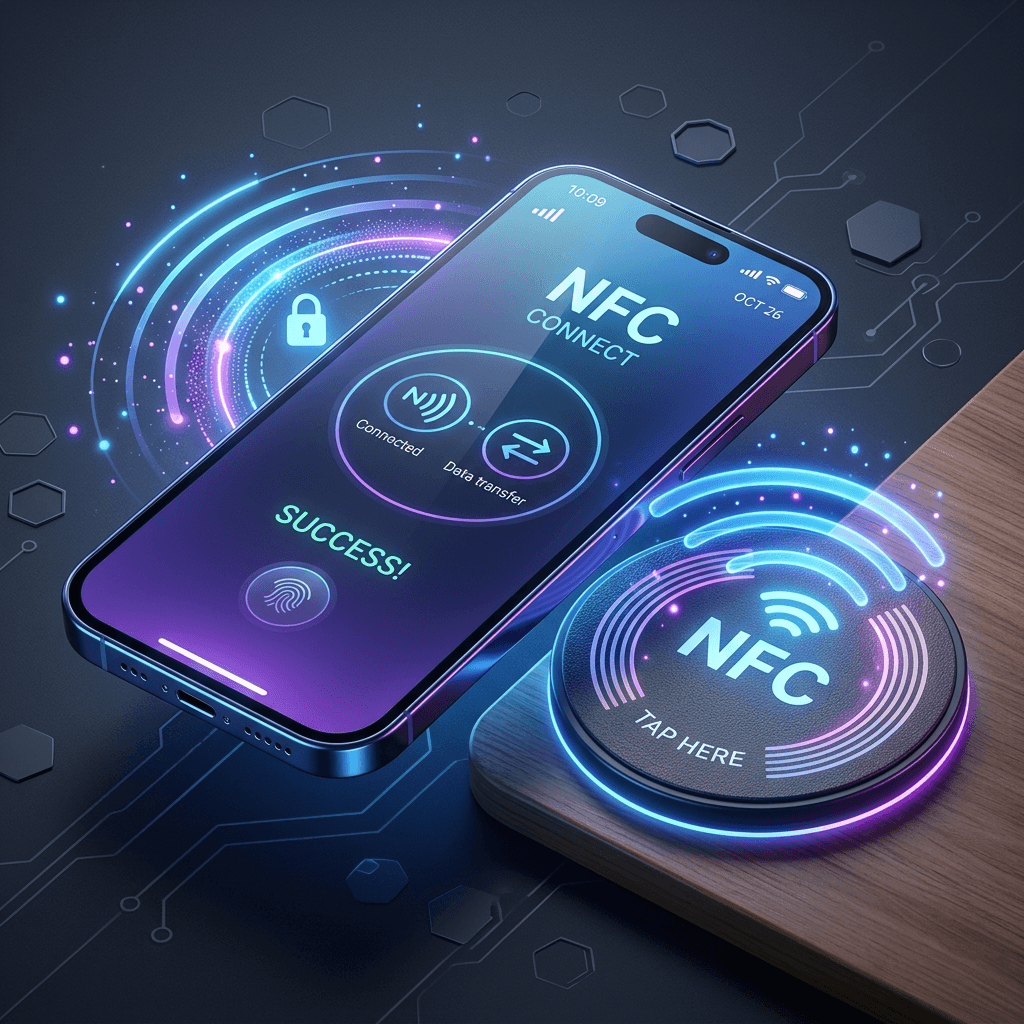
In today's fast-paced physical-to-digital landscape, brands and businesses are looking for ways to reduce friction. While QR codes have become the gold standard for visual engagement, NFC (Near Field Communication) offers an ultra-convenient, tap-and-go alternative that requires no camera alignment. But traditionally, writing content to physical NFC tags required downloading separate, clunky mobile apps.
Today, we are thrilled to spotlight one of Bitsbender's most advanced features: direct in-browser Web NFC programming. You can now design your QR Code campaigns and instantly write the exact same short URLs or custom redirects directly onto physical NFC tags, all from your web browser. No external apps required.
What is Web NFC?
Web NFC is an emerging web standard that allows web applications to read and write to NFC tags when they are brought in close proximity to the user's device. Supported primarily in Google Chrome and Microsoft Edge on Android devices, Web NFC allows us to bring native, hardware-level programming right into our web dashboard.
This means you can purchase any standard, blank NTAG213 or NTAG215 stickers or cards, open the Bitsbender dashboard on your phone, and program them instantly.
How to Program NFC Tags on Bitsbender
We've designed the programming flow to be incredibly simple and completely integrated with your QR campaigns:
- Generate Your Campaign: Create a Dynamic QR Code or Smart Page on the Bitsbender platform. Because we utilize our premium short URL ecosystem (
qrpro.in), your destination is fully trackable and can be updated at any time without replacing the physical tag or QR code. - Open the NFC Writer: On the QR Code download or management screen, click on the Write to NFC button.
- Align and Tap: If you are on an unsupported device (like a desktop or iOS), a synchronization QR code will appear. Scan it on an Android device running Chrome or Edge. If you are already on a supported device, the browser will ask for NFC permissions and prompt you to touch the physical tag to the back of your phone.
- Success! In just a few seconds, the chip is written, and the app gives you a success message. Your physical NFC tag is now fully programmed and ready to use!
Real-World Dual QR-NFC Use Cases
By deploying both QR codes and NFC tags for the same campaign, you maximize accessibility and engagement across all user demographics:
- Smart Menus & Table Ordering: Place a sleek disc on the restaurant table. Android users can tap to launch the menu via NFC instantly, while iOS or desktop users scan the QR code.
- Premium Retail & Product Packaging: Embed NFC stickers inside retail packaging for a premium unboxing experience (tap to register warranty or view digital product passport), while having a QR code printed on the outside.
- Interactive Business Cards: Carry a single wood or metal business card embedded with an NFC chip. Tap it against a new contact's phone to instantly transfer your vCard or Smart Page, and keep a backup QR code engraved on the back.
- Asset and Inventory Tracking: Mount durable NFC tags on machinery, tools, or rental assets. Technicians can tap to quickly log maintenance records or check status updates.
Why Bitsbender Dynamic NFC Beats Static Tags
If you program a static URL directly onto an NFC chip, that chip is permanently locked to that destination. If the link changes, the tag must be discarded.
With Bitsbender, we program our native qrpro.in short URLs. This gives you two massive advantages:
- Dynamic Redirection: Change the destination URL anytime from your dashboard. The physical NFC tag remains in place, but instantly redirects users to the new content.
- Comprehensive Analytics: Track every scan and tap. Compare QR code scans vs. NFC taps side-by-side in your dashboard to see which channel drives more engagement.
Start Deploying Web NFC Today
Web NFC is available to all premium Bitsbender subscribers. Grab some blank NFC stickers online, log into your dashboard, and start bridging the physical and digital gap in seconds.
Written by The QR Generator Team
We are passionate about connecting physical assets and digital experiences through innovative Smart QR technology. Follow us for the latest guides, industry blueprints, and QR marketing best practices.
Learn more about our mission →Program NFC Tags in Your Browser
Write NTAG213, NTAG215 & NTAG216 tags right from Chrome. No external software or drivers needed.
Continue Reading
QR Codes for Nonprofits: Simplifying Donations & Volunteer Signups
Discover how nonprofits leverage dynamic QR codes and Smart Pages to eliminate donor friction, automate volunteer onboarding, and increase fundraising ROI.
Building Interactive Museum Exhibits with QR-Powered Audio Guides
Discover how cultural institutions use Bitsbender dynamic QR codes and AI smart pages to deliver immersive audio guides, boost visitor engagement, and track real-time analytics.
The Future of Contactless Payments: QR Code Wallets Beyond India and China
Discover how QR code wallets are transforming global transactions beyond Asia. Learn enterprise strategies using Bitsbender Smart QR codes.